
How to Choose Project Management Software in 2026
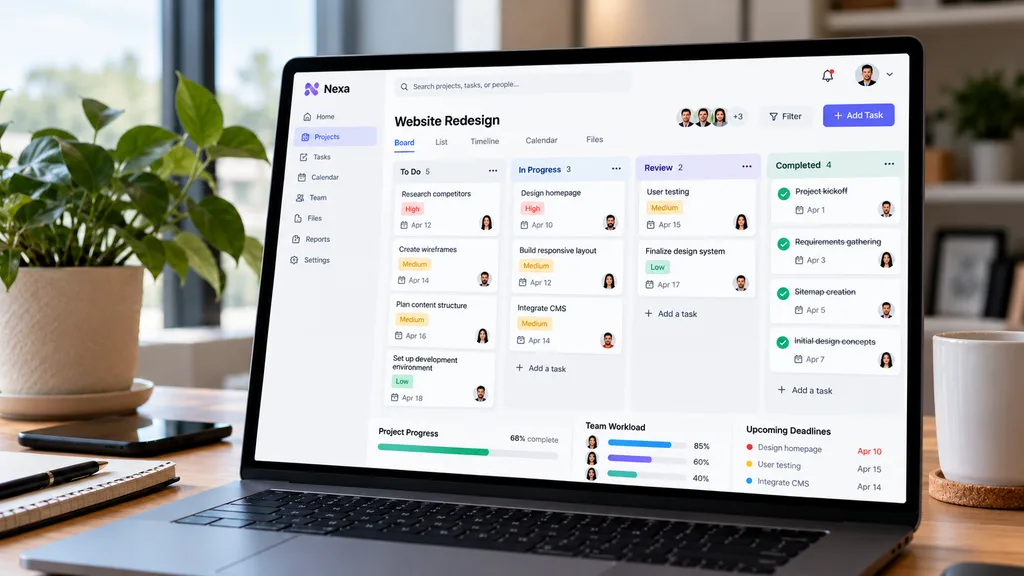
Choosing the right project management software can make a big difference in how your team works. Whether you’re running a small business, managing remote employees, or handling multiple projects, the right tool helps you stay organized, meet deadlines, and improve collaboration.
But with so many options available, how do you choose project management software that actually fits your business?
The answer isn’t always the most popular or expensive platform. It’s about finding software that solves your team’s problems without adding unnecessary complexity.
In this guide, we’ll cover the essential features, pricing considerations, and practical steps to help you make the right decision.
1. Identify Your Business Needs
Before comparing project management tools, understand what your team needs help with.
Start by asking yourself:
- Are projects frequently delayed?
- Is it difficult to track tasks and responsibilities?
- Does your team struggle with communication?
- Are you managing multiple projects simultaneously?
- Do you spend too much time on repetitive administrative tasks?
For example, a small marketing agency may need task assignments and client collaboration, while a software development team might prioritize sprint planning and issue tracking.
Quick tip: Identify your three biggest workflow challenges before exploring different platforms. This will help you avoid paying for features you don’t need.
2. Look for Essential Project Management Features
Not every business needs advanced project management capabilities. However, certain features are worth considering.
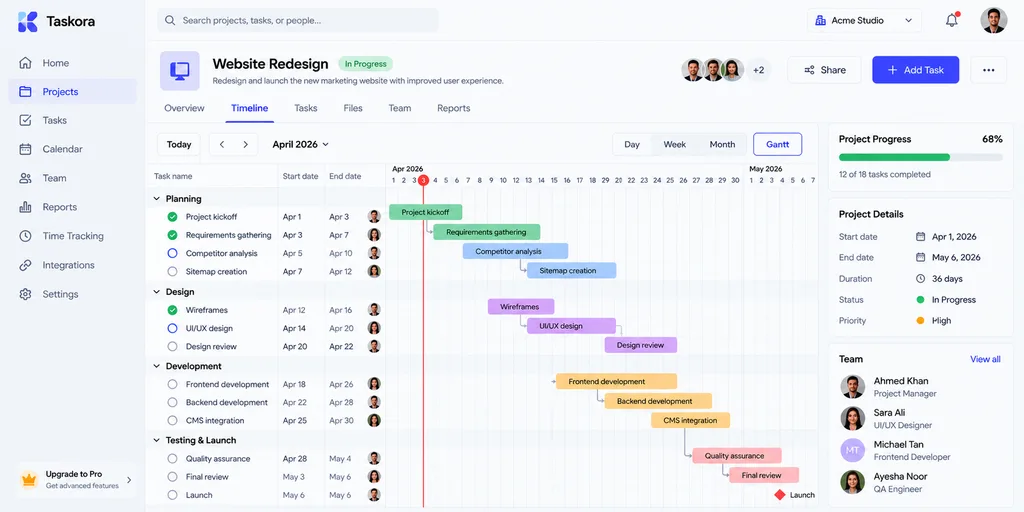
| Feature | Why it matters |
|---|---|
| Task management | Assign tasks, set deadlines, and track progress |
| Project planning | Organize milestones, timelines, and dependencies |
| Team collaboration | Share updates, files, and feedback |
| Reporting | Monitor project progress and identify delays |
| Automation | Reduce repetitive administrative tasks |
| Integrations | Connect with existing business applications |
Which Features Matter Most?
For small teams, simple task management, collaboration, and deadline tracking may be enough.
Larger organizations might require advanced reporting, resource management, and workflow automation.
The best project management software is the one your team can use consistently, not necessarily the platform with the most features.
3. Compare Pricing and Long-Term Costs
Project management software is available through free plans, monthly subscriptions, and enterprise pricing.
However, the advertised price doesn’t always reflect the total cost.
Before choosing a platform, check:
- Monthly or annual subscription fees
- Per-user pricing
- Free plan limitations
- Storage and automation limits
- Additional charges for premium features
- Integration and support costs
For example, a hypothetical tool costing $10 per user per month would cost a 10-person team $100 monthly or $1,200 annually, before taxes or add-ons.
A cheaper platform may become expensive as your team grows, so consider both your current budget and future requirements.
4. Check Ease of Use and Integrations
Even powerful software can become frustrating if your team finds it difficult to use.
Look for a clean dashboard, simple navigation, and an interface that makes everyday tasks easy to manage.
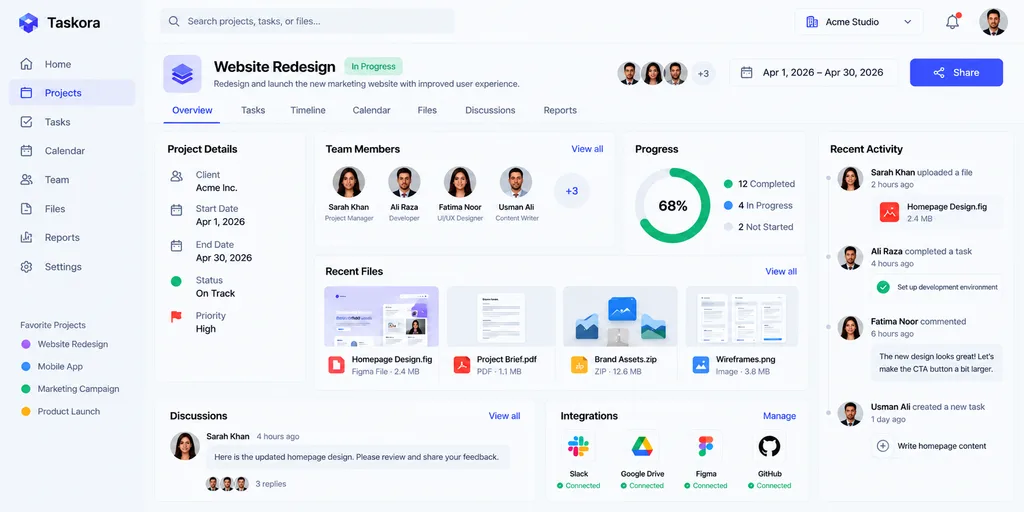
Also, consider whether the software connects with tools your business already uses, such as:
- Google Workspace
- Microsoft Teams
- Slack
- Google Drive
- GitHub
- CRM platforms
Before subscribing, verify that your required integrations are available on the plan you’re considering.
A platform that fits your existing workflow can reduce manual work and make adoption easier.
5. Consider Security and Data Protection
Project management platforms often store sensitive business information, including client documents, internal discussions, and project details.
Before selecting a provider, review its security features.
Important considerations include:
- Data encryption
- Multi-factor authentication
- User permissions
- Backup and recovery options
- Data export capabilities
- Privacy policies and data storage locations
If your organization handles sensitive client information, confirm that the platform meets your specific security and compliance requirements.
6. Test the Software Before Purchasing
One of the easiest ways to avoid choosing the wrong project management tool is to test it with a real project.
Many providers offer free trials or limited free plans.
During the trial:
- Create a project with several tasks.
- Assign tasks to your team members.
- Set deadlines and priorities.
- Upload files and share updates.
- Check the reporting dashboard.
- Ask your team for feedback.
Pay attention to how easily everyone can complete everyday activities.
If the platform creates more confusion than it solves, consider another option.
7. Avoid These Common Mistakes
When choosing project management software, avoid these common mistakes:
Choosing based on popularity: A well-known platform isn’t necessarily the best fit for your business.
Ignoring team feedback: Employees who use the software daily should be involved in the selection process.
Paying for unnecessary features: Advanced capabilities add little value if your team never uses them.
Skipping the trial: Product demonstrations don’t always reveal real-world usability problems.
Overlooking future growth: Consider whether the platform can support additional users, projects, and integrations as your business expands.
Taking time to evaluate these factors can help you avoid unnecessary expenses and difficult software migrations.
Frequently Asked Questions
What Is the Best Project Management Software for Small Businesses?
The best project management software depends on your business size, budget, and workflow. Look for easy-to-use tools that offer task management, collaboration, and scheduling features suited to your needs.
Is Free Project Management Software Enough?
Free project management tools can work well for freelancers and small teams. However, they may limit users, storage, automation, reporting, or integrations.
What Are the Most Important Project Management Software Features?
Task management, project scheduling, collaboration, reporting, and integrations are among the most useful features. Your priorities should depend on your team’s specific challenges.
How Do I Know if a Project Management Tool Is Right for My Team?
Test it with a real project, involve your team, compare the total cost, and check whether it solves your main workflow problems.
Final Thoughts
Choosing the right project management software doesn’t have to be complicated.
Start by understanding your business needs, identify essential features, compare pricing, and test different platforms before making a decision.
Remember, the goal isn’t to find software with the most features. It’s to find a solution that makes your team’s work easier, improves collaboration, and supports your business as it grows.
Looking for the right software for your business?
Explore Blankx to discover software solutions and find tools that match your business needs.
Comments